Nine tools, one canvas, and a window that stays out of your way.
Showreel boards, shot breakdowns, animation timing studies, style frames and client reference packs.

LIVE PREVIEW — CLICK A STAGE TO JUMP
Everything lands where your cursor is.
Drag files straight onto the canvas, or paste with CtrlV: an image copied from a browser, a video or audio file, a link, or even plain text. From the left rail you can import, download a video or audio track from a URL, or record your screen with system audio. Any other file, like a PSD, AEP or PDF, lands as a card that opens in its own app.
References that keep moving.
Clips loop in place, as many at once as you like, so you can compare timing side by side instead of scrubbing two tabs. Scroll to zoom, Ctrl+scroll to step through zoom levels, and drag with Space held or Shift+scroll to pan. Ctrl+0 fits the whole board back on screen. Select a clip and Alt+← / → jumps it 5 seconds.
Keep the two seconds that matter.
Right-click a video to trim and crop it with live playback, an image to crop it, or an audio track to trim it on its waveform. Rotate or flip, export, or open the original file. Edits undo and redo on their own, and the file on disk is never touched. Write on top of your references with pen, arrows, boxes, ellipses, lines and text. Double-click a note for bold, italic, colour, highlight, font, size and alignment.
A board that tidies itself.
Select a few clips and press N or G to give them the same width or height, proportions intact, or W or D to line them up in a row or a column. Ctrl+P packs cards of any size into a compact block roughly where they already sat. Each undoes in a single step.
Group anything with Ctrl+G, mixing video, notes, shapes and links into one unit that moves and scales together. Alt+click reaches a single card inside a group without ungrouping it. Set the selection box to Touch in Settings to grab anything it touches.
Your reference, on top of your work.
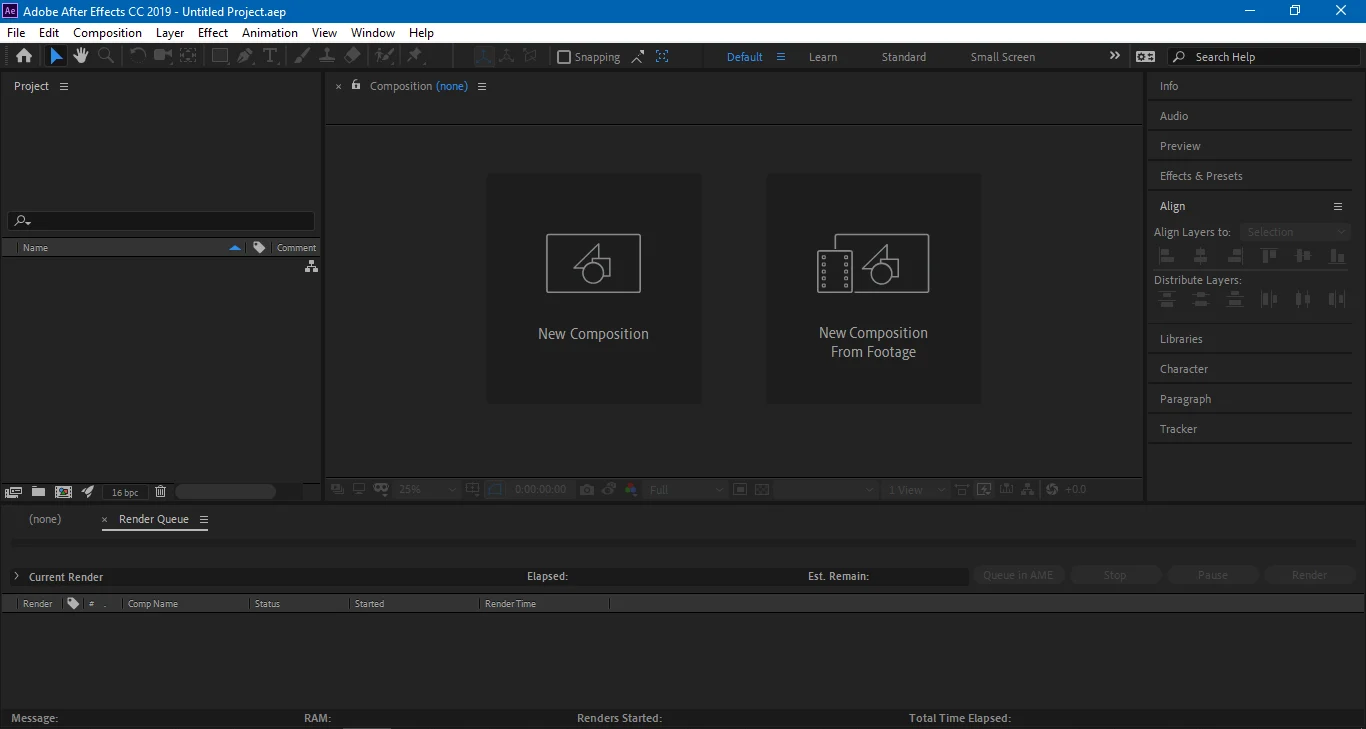
Ctrl+Shift+A keeps LoopBoard above every other window. Ctrl+Shift+M turns on click-through, so the mouse reaches Blender, After Effects or Photoshop underneath. Ctrl+H hides the toolbars, leaving only the references floating over your timeline.