Every clip, sound and file on one board.
Save it from anywhere, cut it to the moment that matters, plan what goes where, and keep it playing beside your work.




on 2s
overlap

* Clips shown are for demo purposes only. We don't own them; all credit goes to their original creators. Want yours featured or removed? contact us.
You think in motion. Your moodboard doesn't.
Your references end up everywhere: saved reels, a Downloads folder, a sound effects folder, ten open tabs. And most reference tools were built for images, so a video turns into a thumbnail, a still frame standing in for the one thing that was supposed to move. You scrub back to the right second, lose it, and scrub again.
That's why LoopBoard exists. Everything for your project, from the moment you find it to the moment you use it, in one place, and every clip keeps playing.
Get anything onto your board.
Drop it in.
Video, images, sounds, whole folders, or an image copied from your browser. It lands under your cursor and starts playing. Your project files go on the board too, and your .aep, .psd or .blend opens in its own app with one click.
Download it from a link.
Saw it on Instagram, TikTok or Pinterest? Paste the link and it's on your board. Works with over 1,000 sites, fifty links at once. Take the full video, or just the song. Post deleted? You still have it.
 Make it even faster with our Chrome extension →

Record your screen.
Can't download it? If it's on your screen, record the whole thing or just part of it, sound included. Hit stop and the clip is already on your board.
Cut it down. Then plan what goes where.

If you make it.
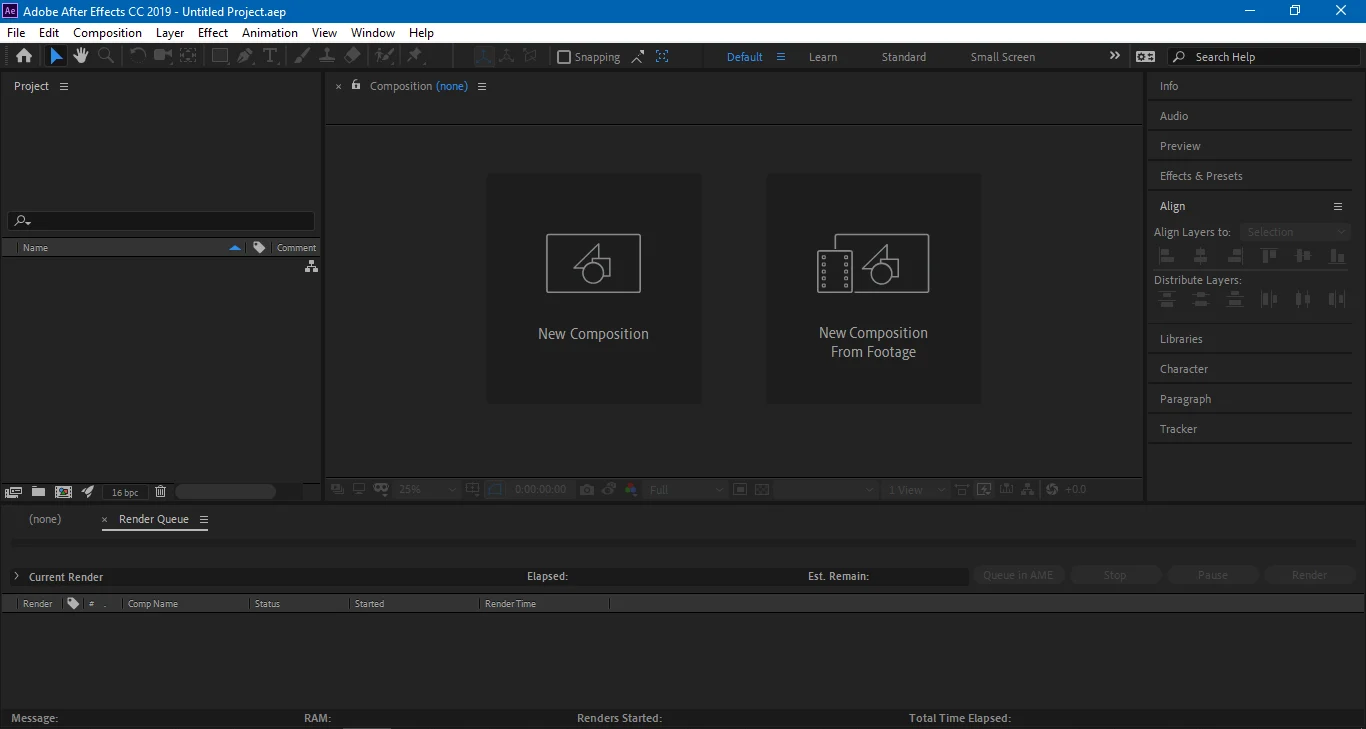
Keep your references playing next to After Effects, Premiere or Blender, cut to the exact frames you're studying.
If you brief it.
Send your editor one file with the exact clips, trimmed to the second, with arrows and notes. No more “the reel I sent, around 0:12.”
If you present it.
Put every reference on one board and walk your client through what goes where, all of it playing.
Hundreds of clips, one smooth canvas.
Boards stay smooth even with 200+ clips on them.
Your work stays on your computer.
Your references and client work never get uploaded anywhere. It all works without internet too.
Hand off a whole board.
Export a .loopboard file and send the whole board to your editor, client or team. They open it free, every clip trimmed and still playing.


LoopBoard is built by Rayyan Burondkar, a motion designer who needed it for his own showreel. Updates ship every few days, and a lot of them start as requests in the Discord.